
Role
Designer (self-directed exercise)
Scope
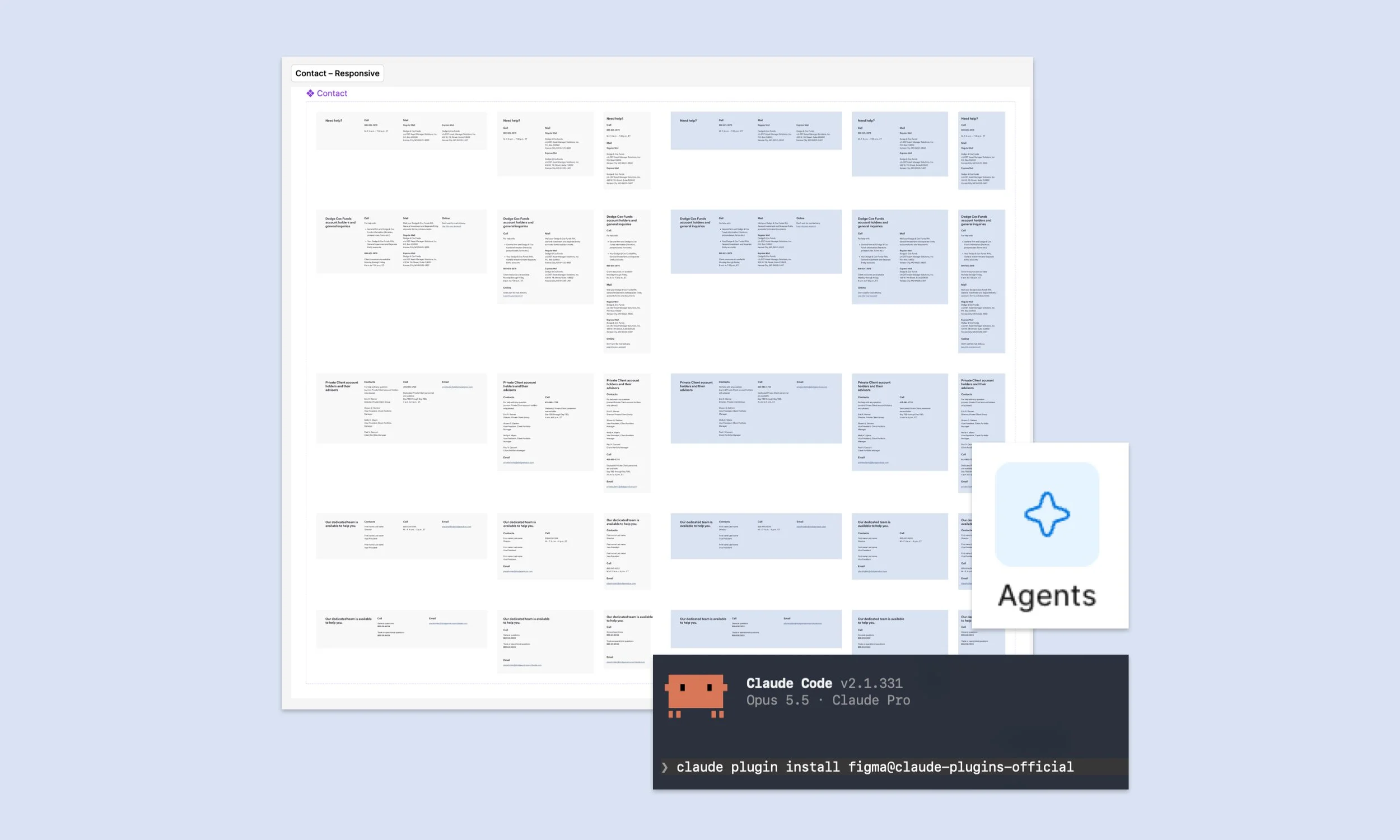
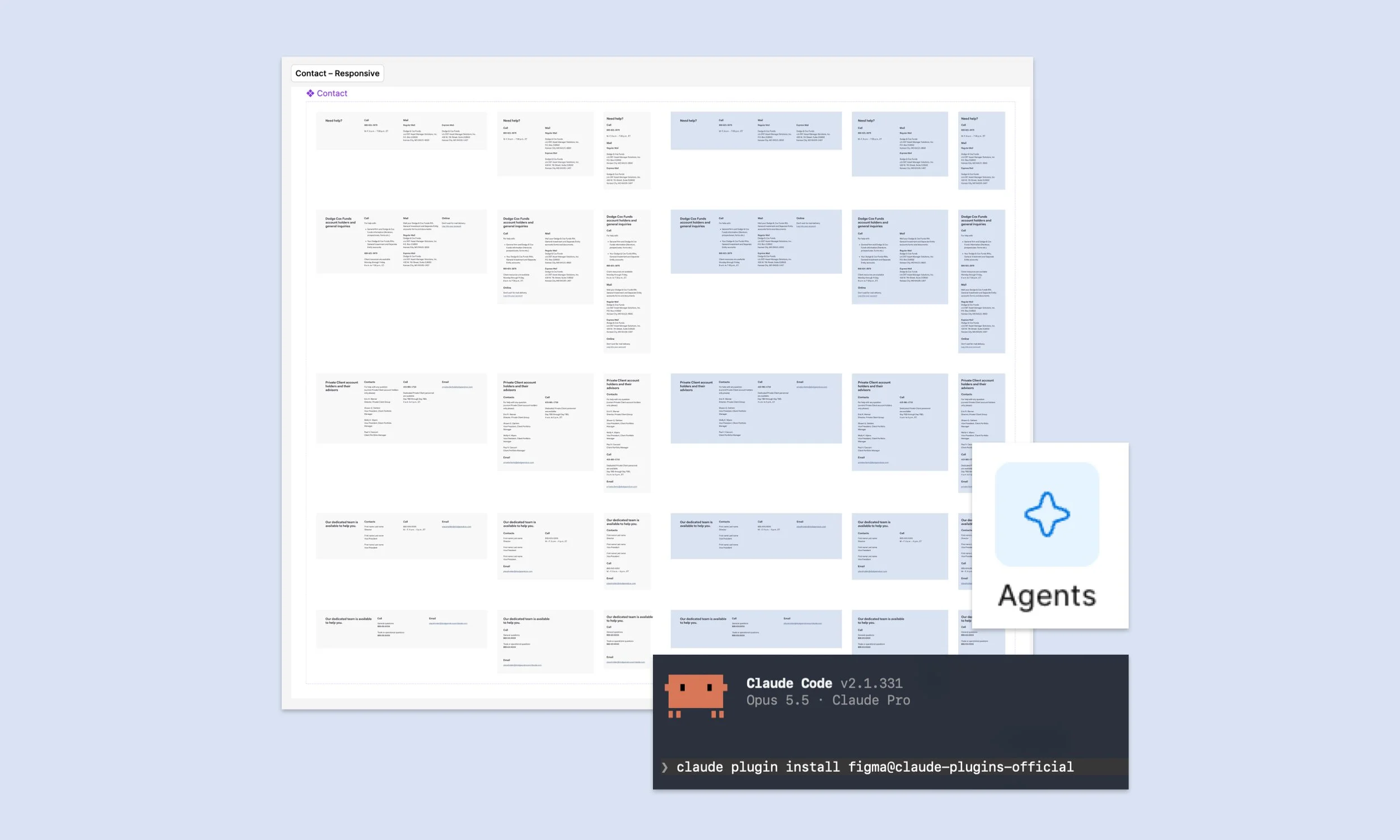
Contact component set, 5 types in gray and blue, extended to tablet and mobile (30 variants) plus two working prototypes
Key Contributions
Original component design · Prompting and direction · Redirecting AI output · Review against the system
Constraints
Brand font (Fakt) unavailable to AI tools · Original component set stays untouched · Prototype breakpoints simulated, not live resizing
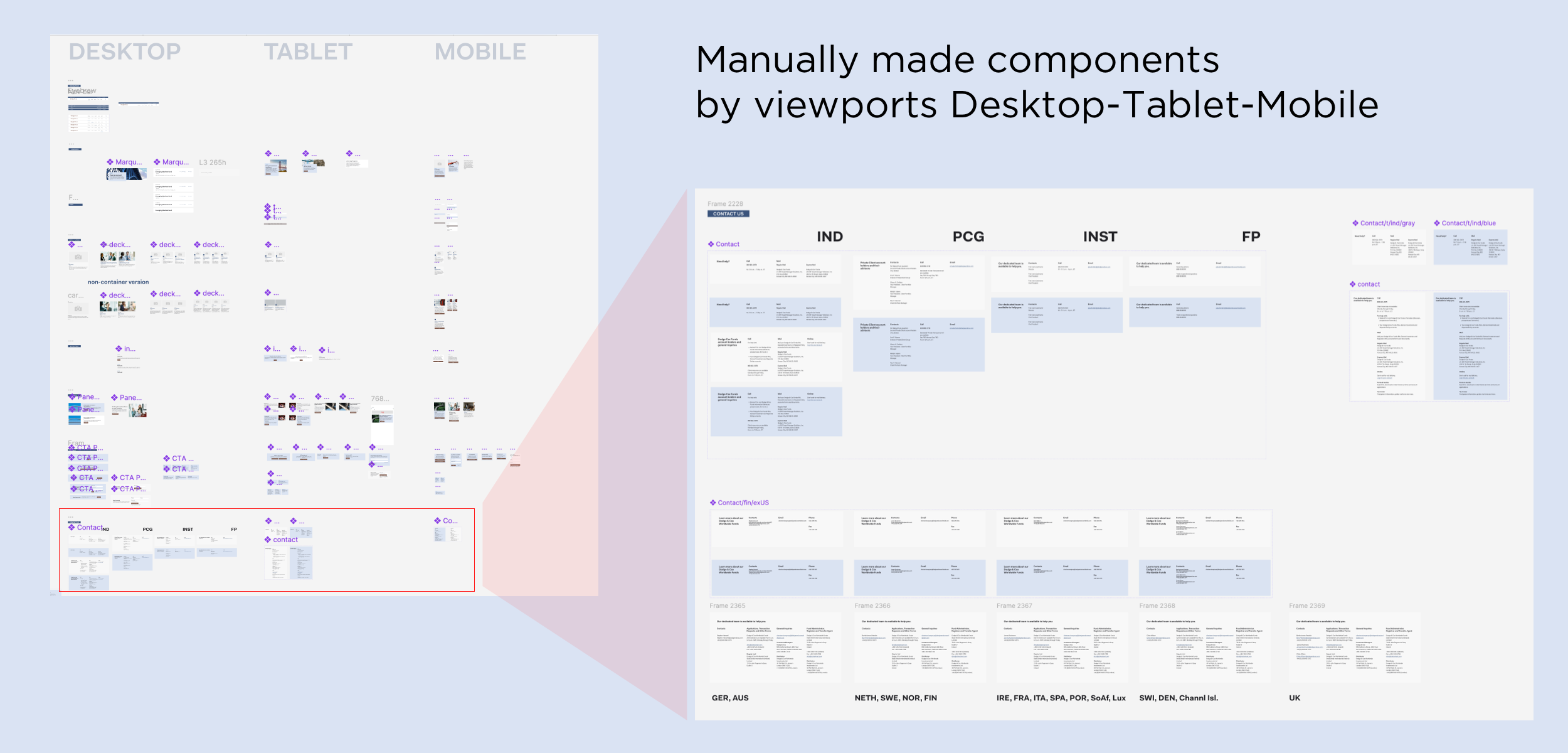
Built by hand across desktop, tablet, and mobile before AI entered the workflow. My Contact set, 5 types in gray and blue, is the starting point for every step that follows.
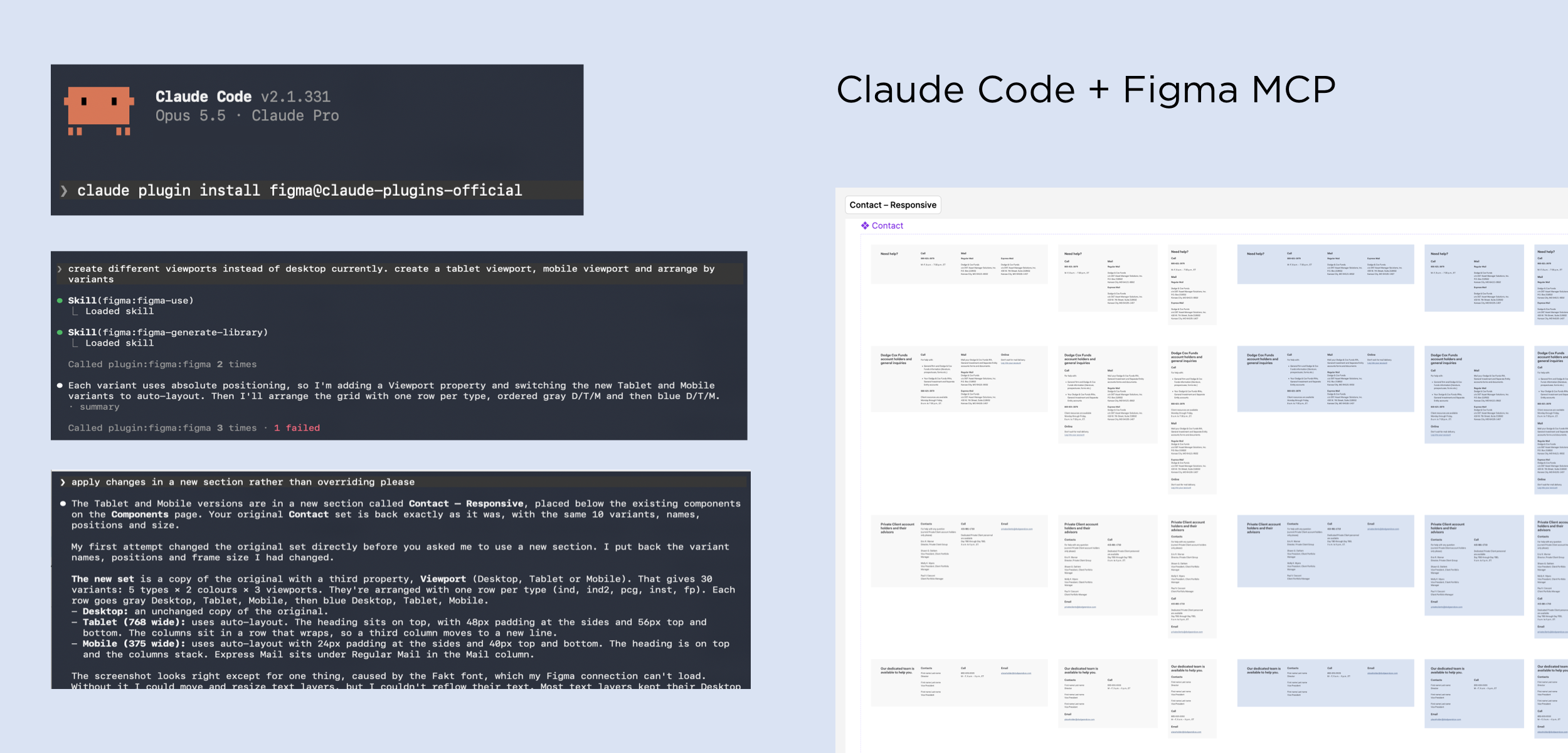
Reads my Contact set directly from Figma and builds tablet and mobile variants as a new section. The first attempt edited my original set, so I redirected it and the original was restored. I also flagged four overflowing mobile text layers and hardcoded colors in place of tokens.
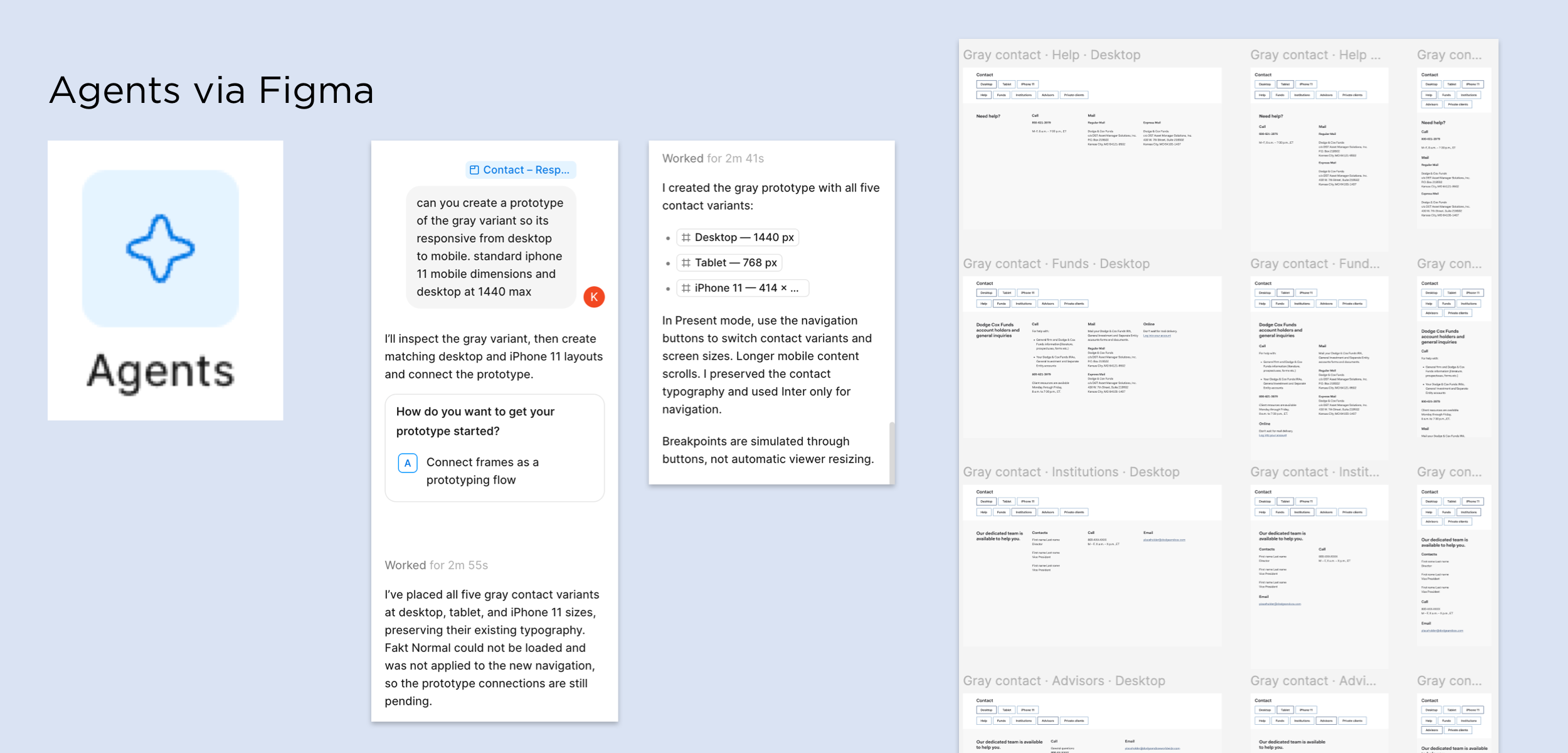
Connects the gray variants at desktop (1440), tablet (768), and iPhone 11 into a clickable flow using my existing components and styles.
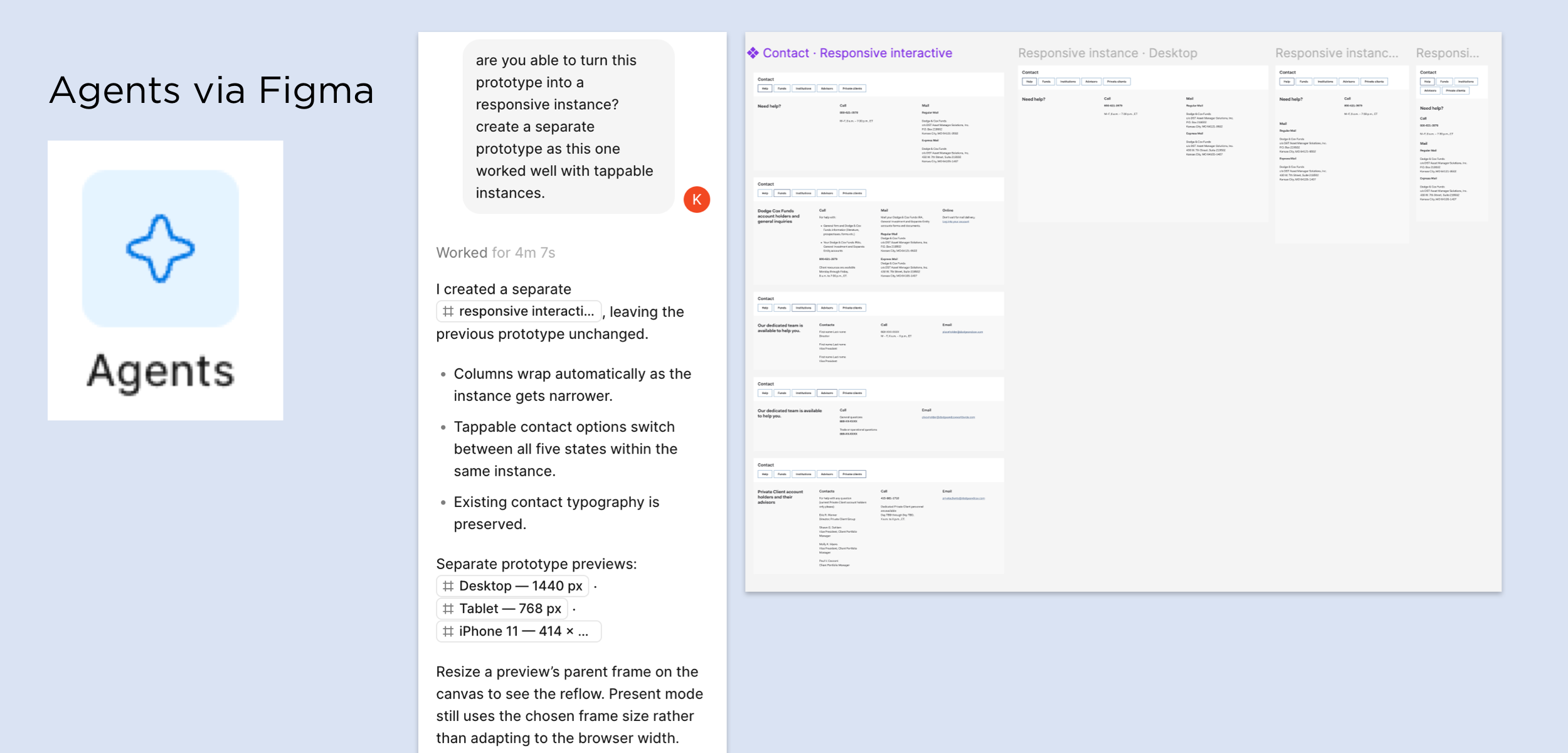
Columns wrap as the instance narrows, and tappable options switch between all five contact states within one instance.
Team
Solo, using Claude Code with the Figma MCP and Figma’s agent.